How can we help?
Step-by-step how-tos with a screenshot for every step, and a guide for every part of Luxe, written from the app itself.
How-tos, step by step
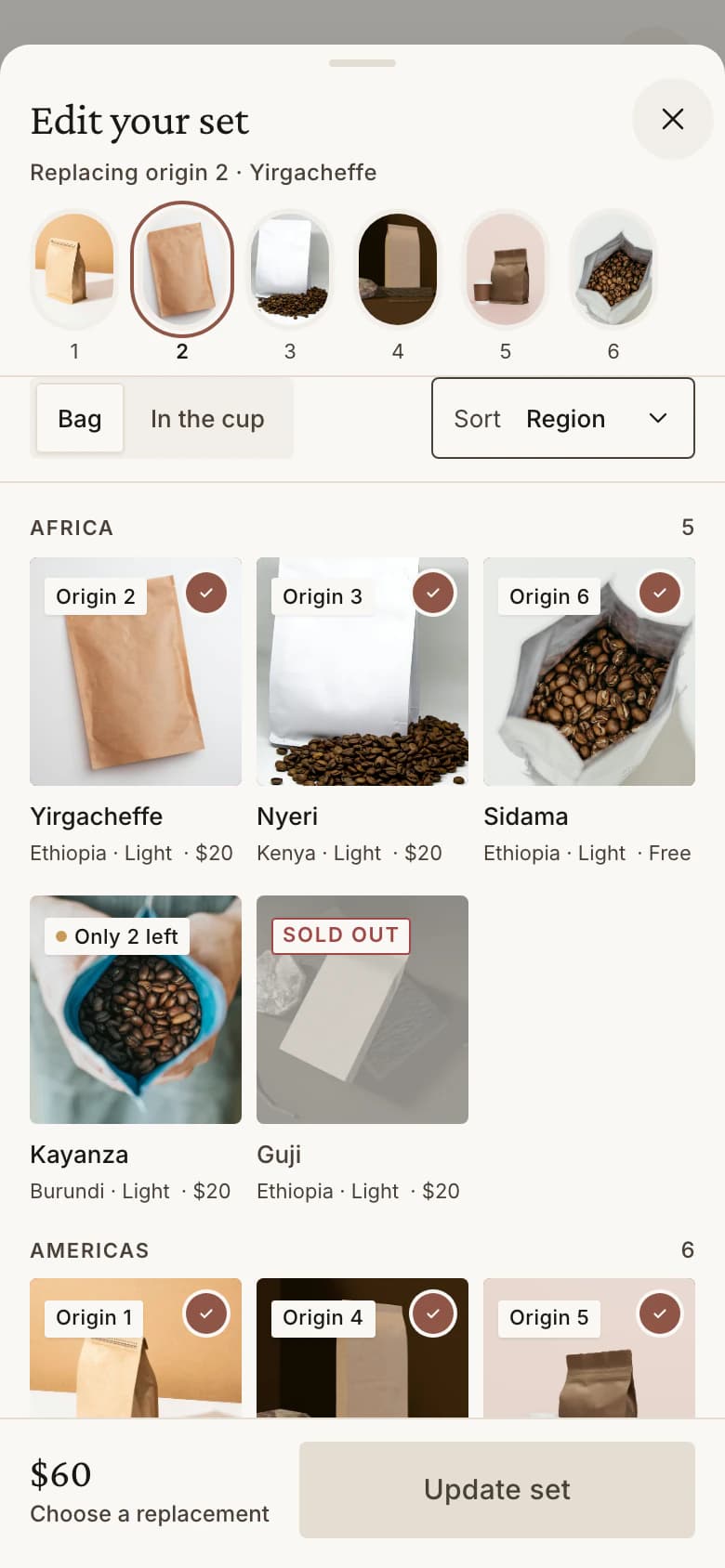
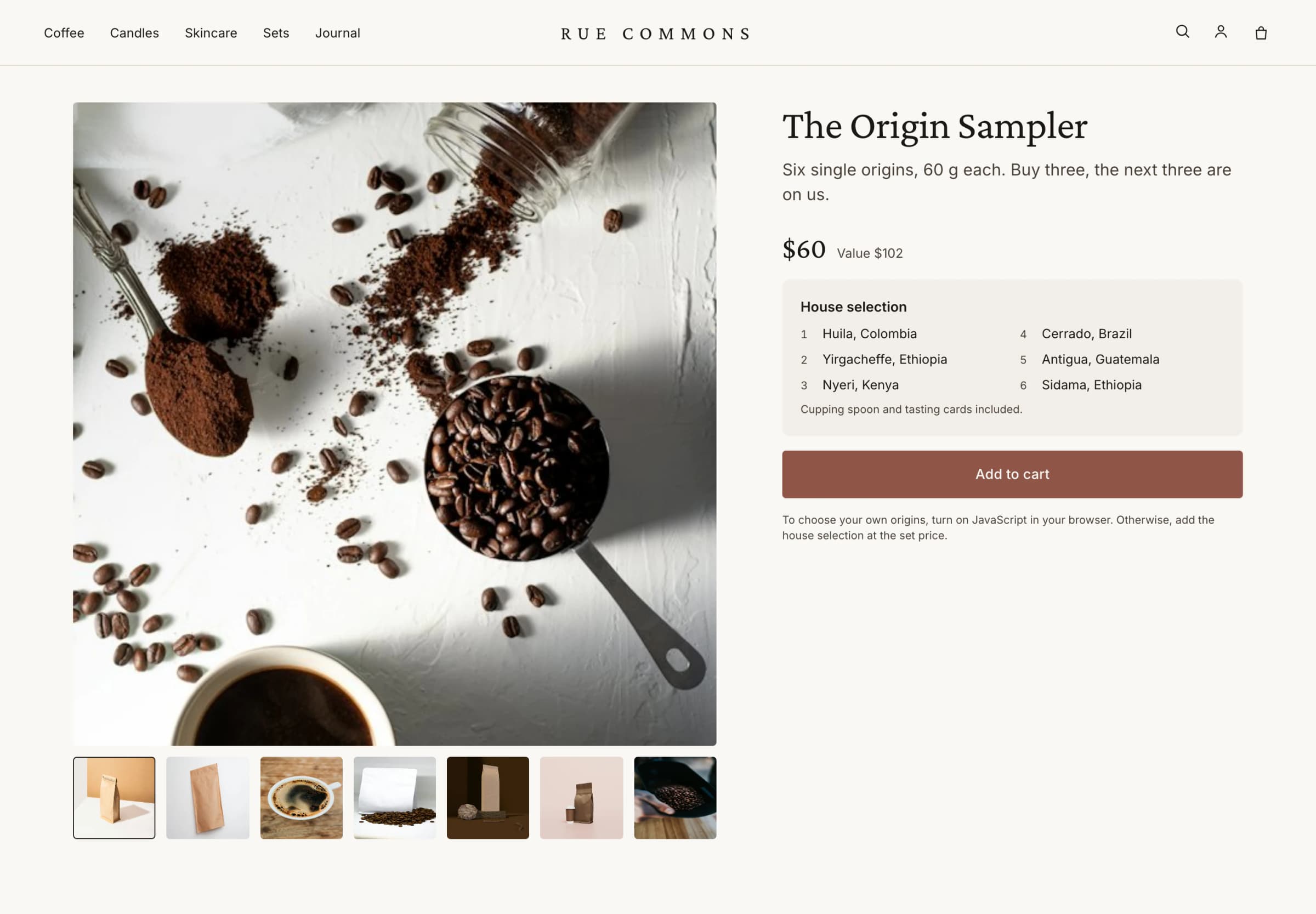
Each step with a screenshot of that screen.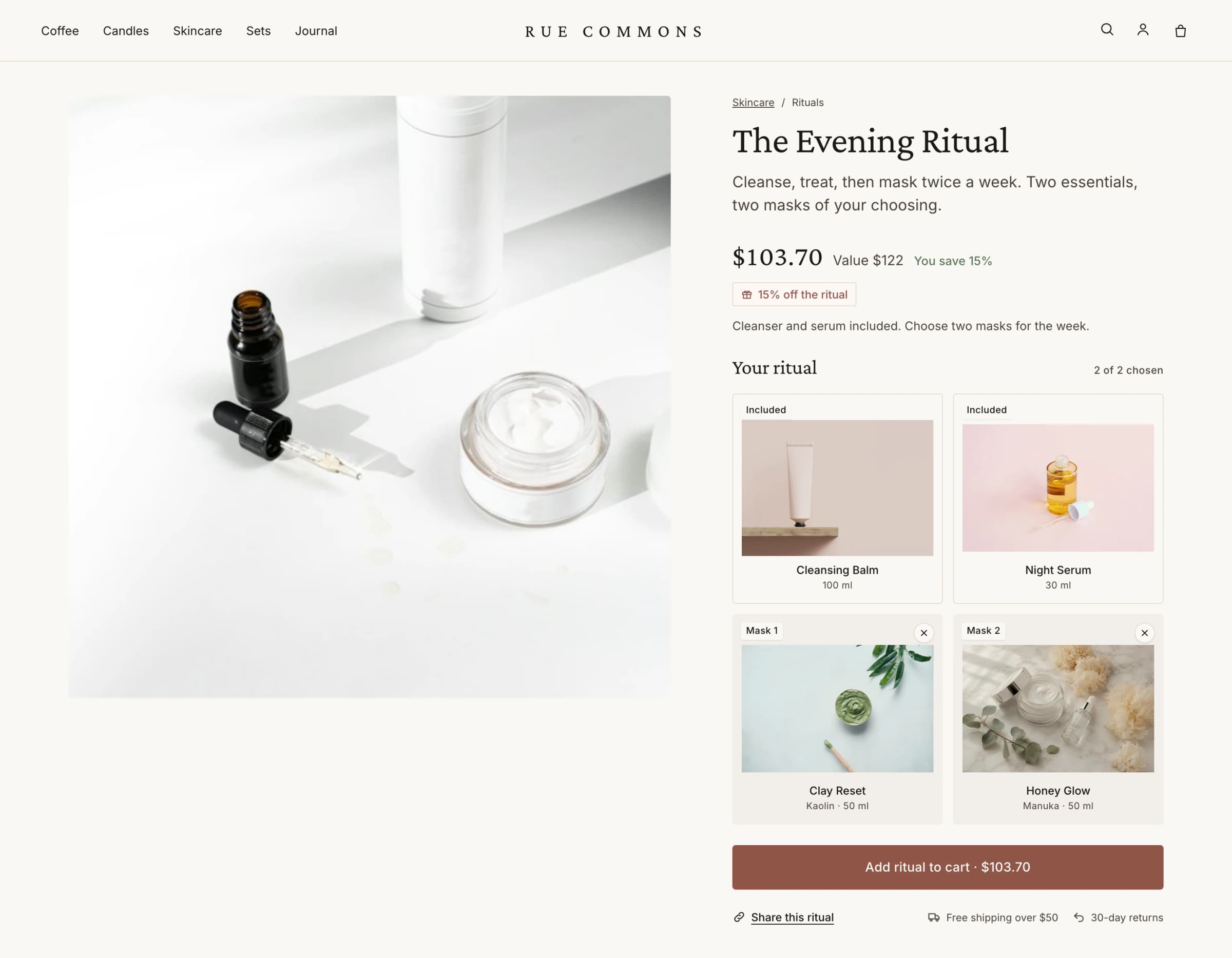 HOW-TO · 8 STEPS · 15 MINCreate a Build-your-own setSlots on one product page, one price for the set.
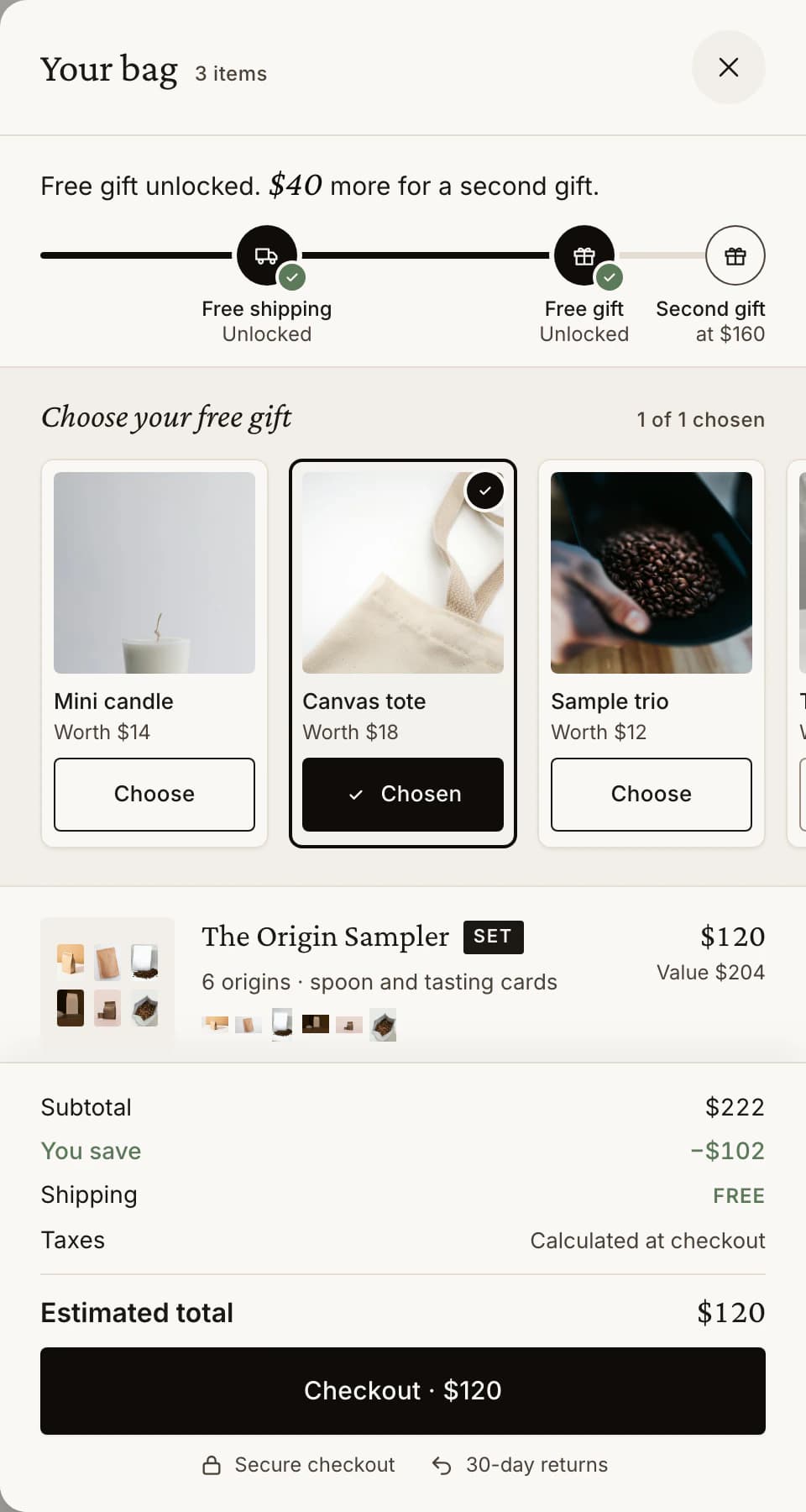 HOW-TO · 8 STEPS · 10 MINSet up a rewards ladder with a free giftFree shipping, a gift the shopper chooses, a percentage off.
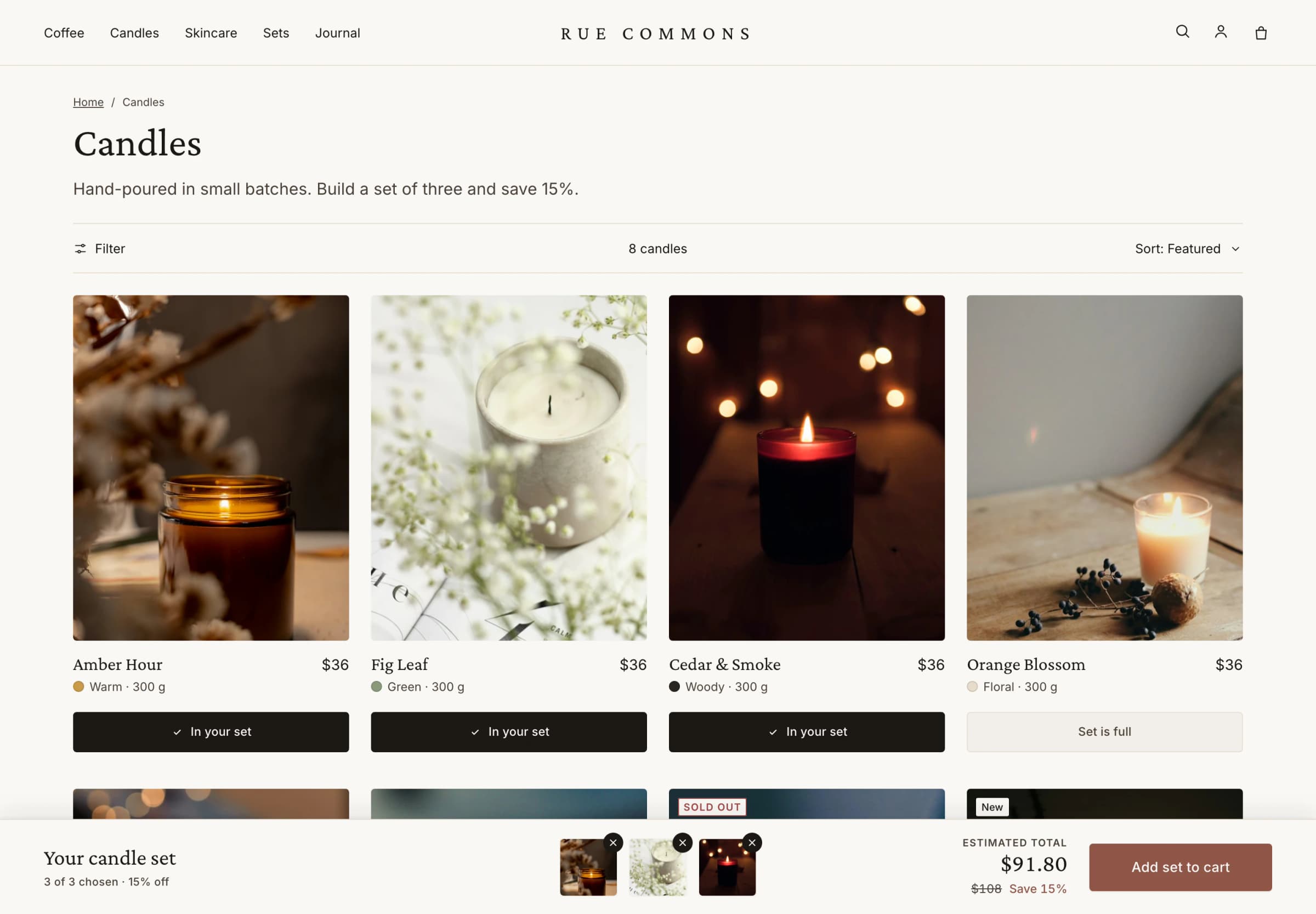 HOW-TO · 4 STEPS · 10 MINMake a Collection set with a tier progress barAdd to set on the collection page, savings tier by tier.
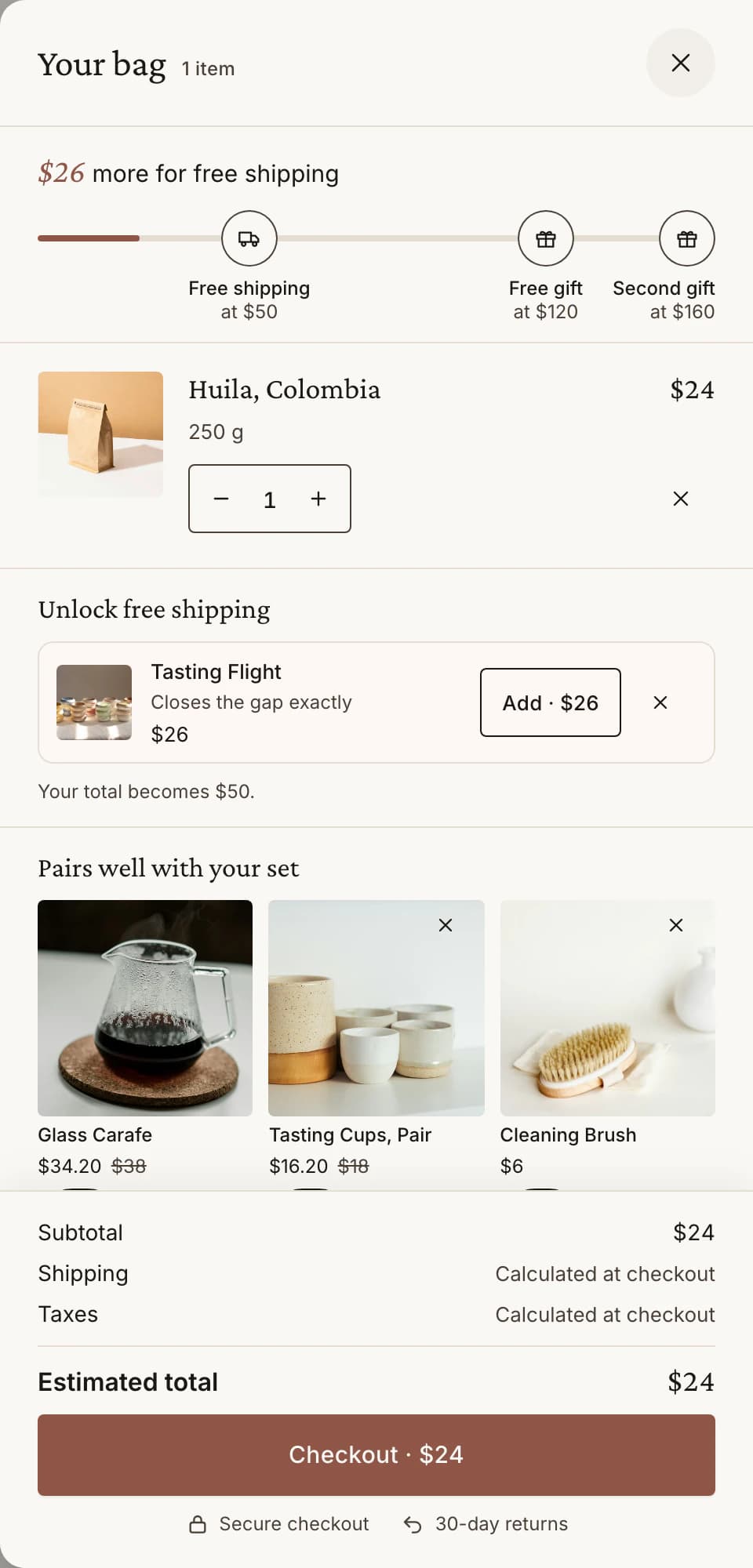 HOW-TO · 3 STEPS · 5 MINTurn on the Luxe cart drawerRewards, gifts and set lines in one drawer.
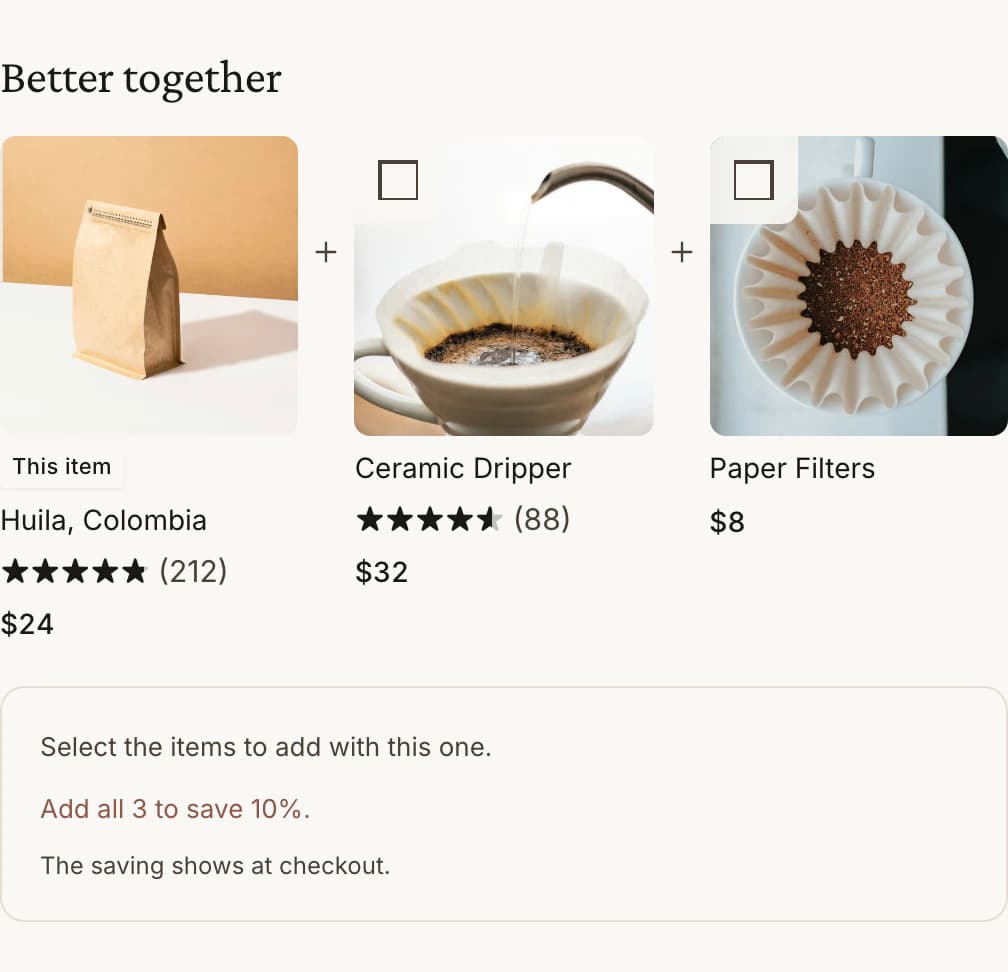 HOW-TO · 4 STEPS · 8 MINAdd a Better together upsellCompanions beside a product, priced through checkout.
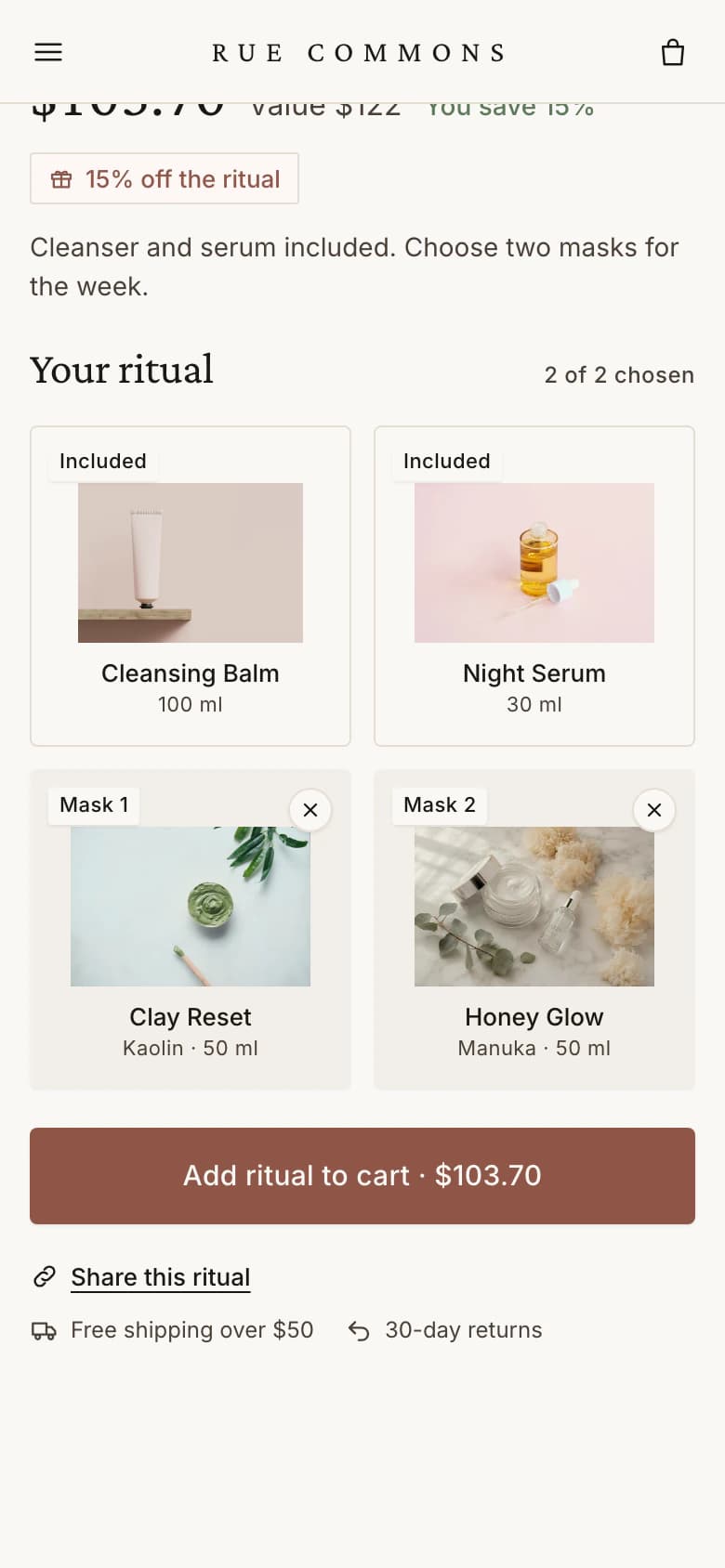 HOW-TO · 3 STEPS · 3 MINTurn on the app embedThe switch that puts Luxe on your storefront.
Guides by topic
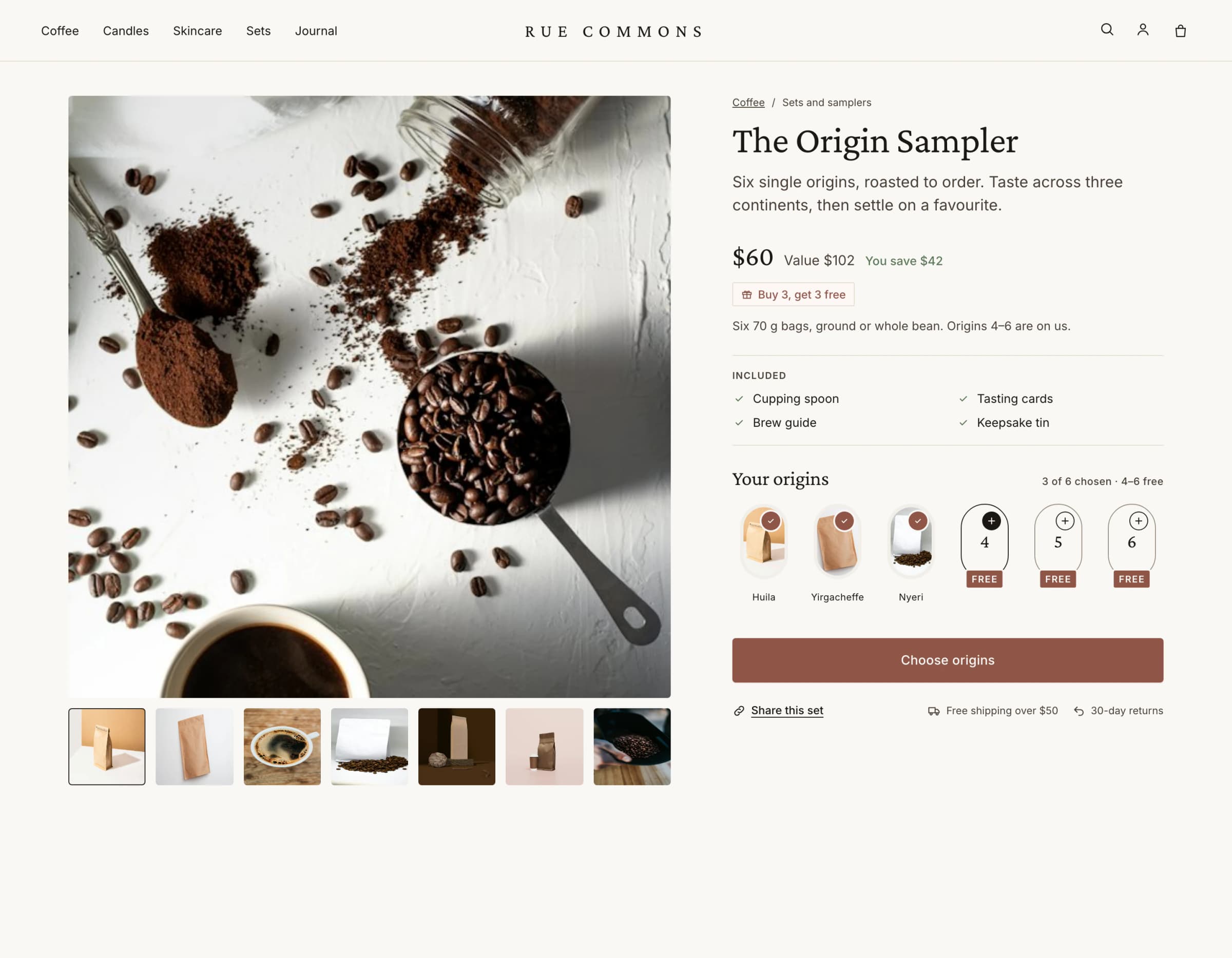 Getting startedInstall, the app embed, your cart, your first set7 SECTIONS
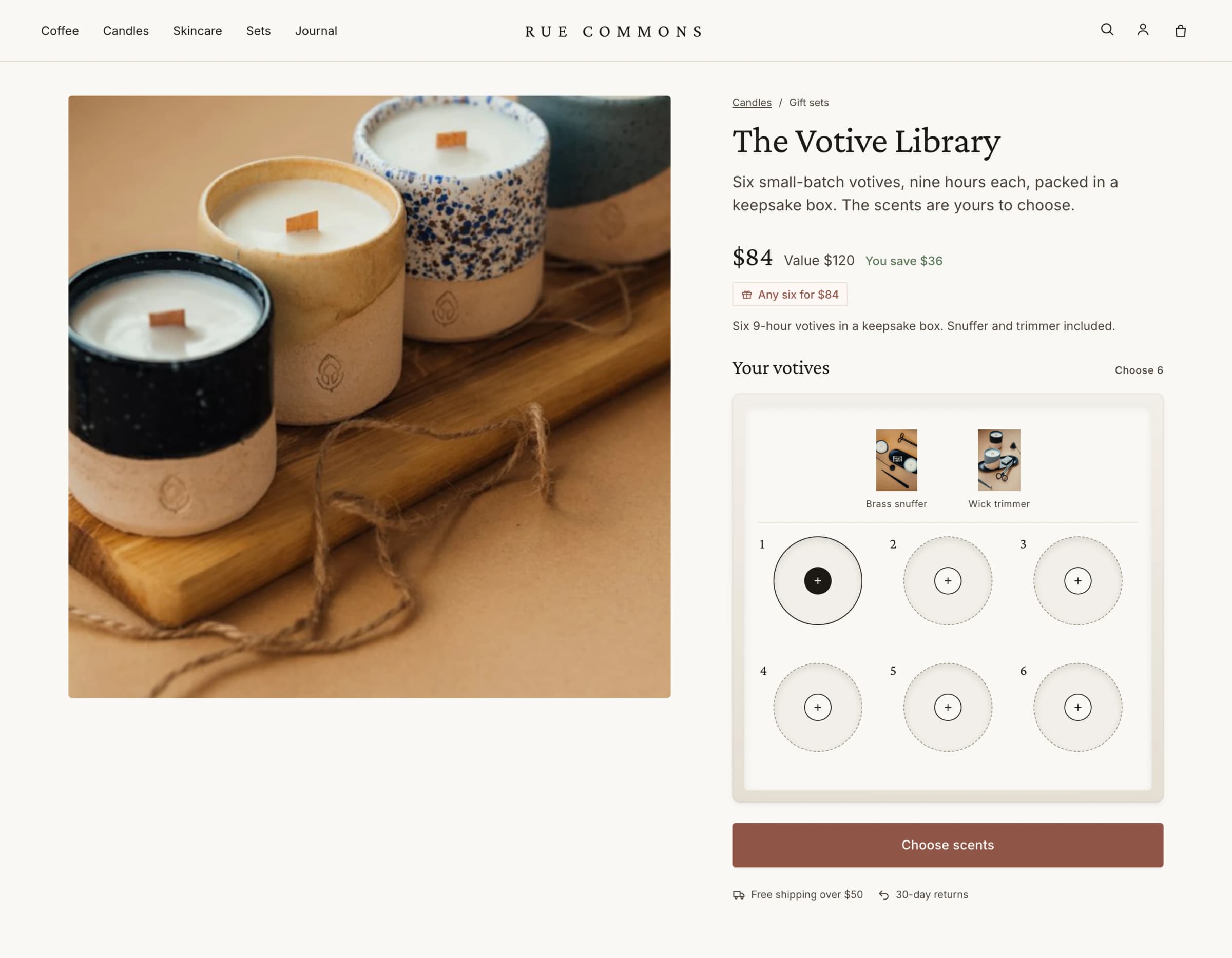 Bundle setsBuild-your-own, collection and fixed sets8 SECTIONS
 Rewards laddersFree shipping, savings and free gifts6 SECTIONS
 Product filtersFilters, product types, CSV6 SECTIONS
 AI featuresLuxe AI and what it may use5 SECTIONS
 Plans and billingPlans, Luxe orders, refunds4 SECTIONS
 The Luxe cartLayout, upsells, other apps8 SECTIONS
 UpsellsTypes, placement, billing6 SECTIONS
 Brand and styleColour, type and shape3 SECTIONS
 Mobile appsTapcart blocks4 SECTIONS
 SidekickAsk about Luxe in Shopify admin2 SECTIONS
 Orders in your ERPSet contents for warehouses and 3PLs6 SECTIONS
 TroubleshootingEmbed, prices, themes7 SECTIONS
 UninstallingWhat happens to your data4 SECTIONS
Still stuck?
Email support@luxesets.com or use Settings › Help in the app. Replies within 72 hours on Starter, 24 on Growth, 12 on Pro and 4 on Enterprise.
Contact support