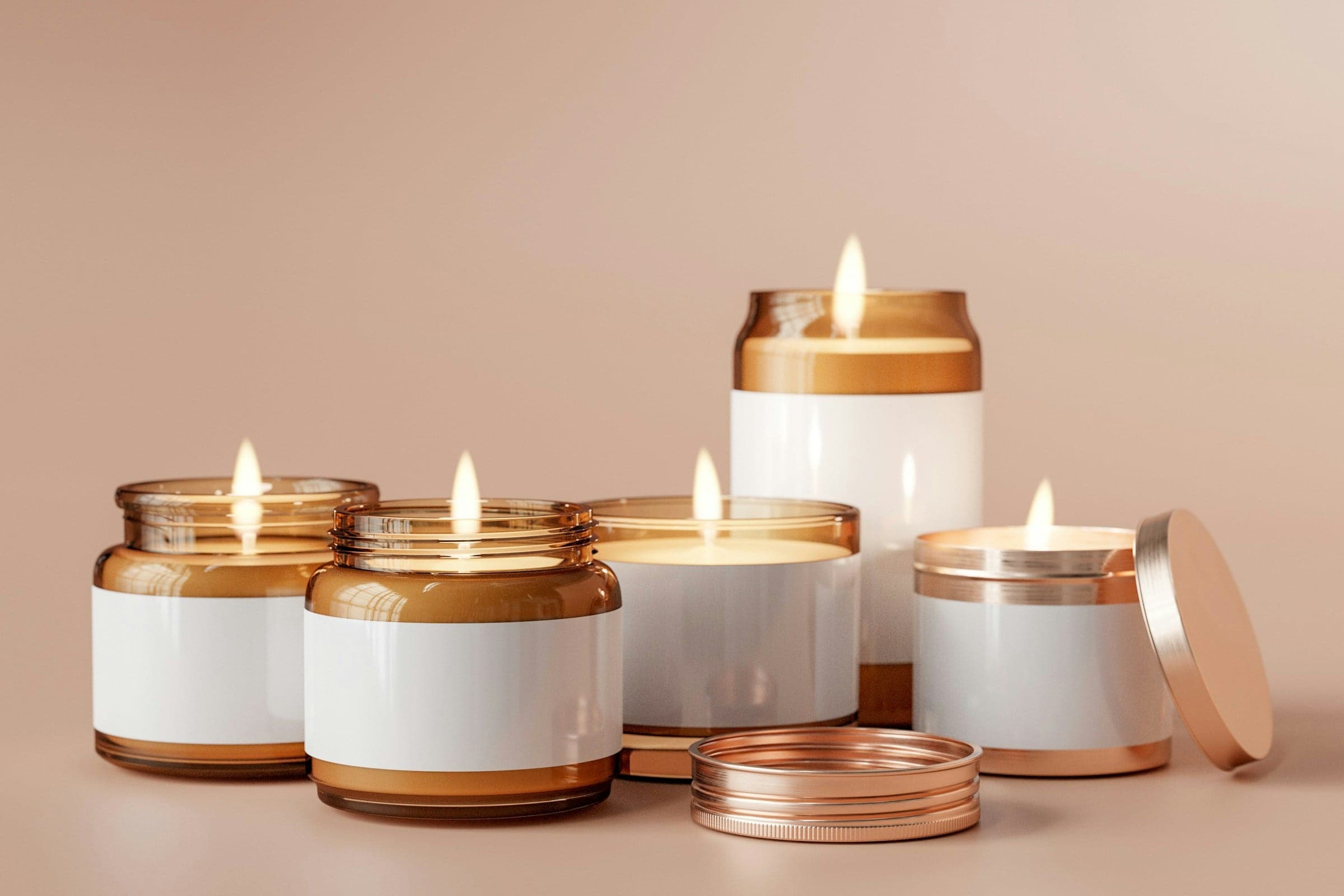
Fixed set
The holiday gift set
Three bestsellers in one box at one price. Shoppers see what is inside and what they save.
Gift sets, build-your-own boxes and “spend more, get a gift” rewards, priced the same in the builder, the cart and checkout. Set them up in an afternoon, before the rush.
Free plan to start. Live sales never break at a limit.

Each one is a template in Luxe. Pick it, add your products, choose the price.
Three bestsellers in one box at one price. Shoppers see what is inside and what they save.

Free shipping at one amount, a free gift at the next. The cart drawer shows how close they are.

Shoppers pick any three or six from a collection for a set price. Good for gifting and stocking up.

Any three from your small-gifts collection, 10% off. A tray follows them across the collection page.
Black Friday falls on 27 November 2026 and Cyber Monday on 30 November. Work back from the weekend: four steps, each with its own window, so your Black Friday bundles are tested before the traffic arrives.
Start here: add Ceramic Pour-over Dripper. $17 more unlocks free shipping.
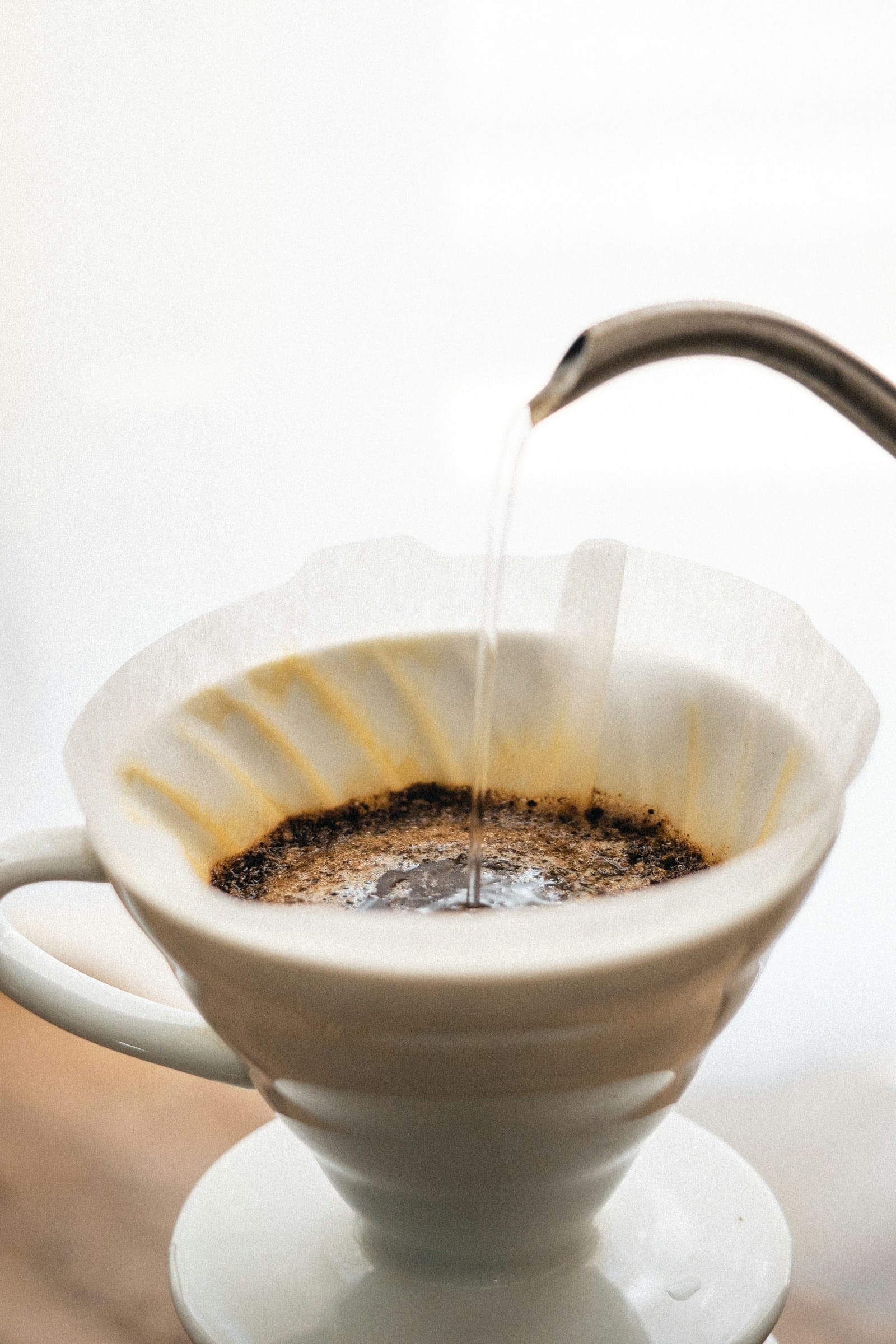
$17 more for free shipping. Estimated total $58.
Resets after two minutes without a tap, or press Start over. Prices are the demo store's. Product photography: Unsplash.
A checklist for the weeks before Black Friday. Everything runs on Shopify’s own checkout, so the price the shopper sees is the price they pay.
Each one shows up when the traffic does, at the last step before payment. Here is how Luxe handles them.
The cart promises a free gift, then checkout charges for it or drops it. The shopper notices at the last step and leaves.
How Luxe handles it. In Luxe a gift is a real line in the cart, added only when the shopper chooses it. One automatic Shopify discount, Luxe Rewards, makes it free at checkout while the threshold is met, and checks that threshold without counting the gift itself. If the cart drops below it, the gift leaves.
The builder shows one price and checkout shows another. Even a cent of difference reads as a trick on the busiest weekend of the year.
How Luxe handles it. One pricing engine prices the builder, the cart and the admin preview, and Luxe’s Cart Transform and Discount Functions run the same engine inside Shopify’s checkout. The storefront only predicts; checkout sets the price, and the two agree to the cent.
An app that rewrites the cart can clash with the theme’s own drawer, and a cart that will not open sells nothing.
How Luxe handles it. Luxe installs as theme app blocks and one app embed, with no edits to your theme’s code. With the app embed off, your theme renders without errors and set products still sell at the set price with their default picks. With JavaScript blocked, the set builder falls back to a plain form.
About an afternoon for a first set. Install Luxe, turn on the app embed, pick a Black Friday template, add your products and choose the price. The editor shows exactly what checkout will charge, and nothing changes on your store until you publish.
Luxe installs as theme app blocks and one app embed in any Online Store 2.0 theme, with Horizon and Dawn as the launch themes. It never edits your theme's code. With the app embed off, your theme renders as before and set products still sell.
Starter is free: 1 bundle set, 1 ladder and 50 Luxe orders a month. Growth ($29 a month) and Pro ($79 a month) start with a 14-day free trial, and orders during the trial are recorded and never billed. After the trial, 100 Luxe orders a month are included, then a fee per Luxe order: an order with at least one line Luxe built.
Yes. A ladder can have a start date and an end date, as calendar days in your store's time zone. Luxe switches it on as the first day begins and off as the last day ends, so a gift ladder can run from 27 November to 1 December without anyone at a keyboard.
Yes. The set builder, the cart drawer and the rewards bar work on phones, with tap targets of at least 44 pixels and layouts that reflow down to 320 pixels wide, to WCAG 2.1 AA.
Yes. Uninstall and every product stays purchasable: Shopify removes Luxe's blocks, app embed, checkout pricing and the Luxe Rewards discount, and your theme renders as it did before. Luxe never deletes products or orders.
Install Luxe and build your first set today, or book a walkthrough: a live demo or help setting up your first set.
Starter is free: 1 bundle set, 1 ladder and 50 Luxe orders a month.