One set. One price.
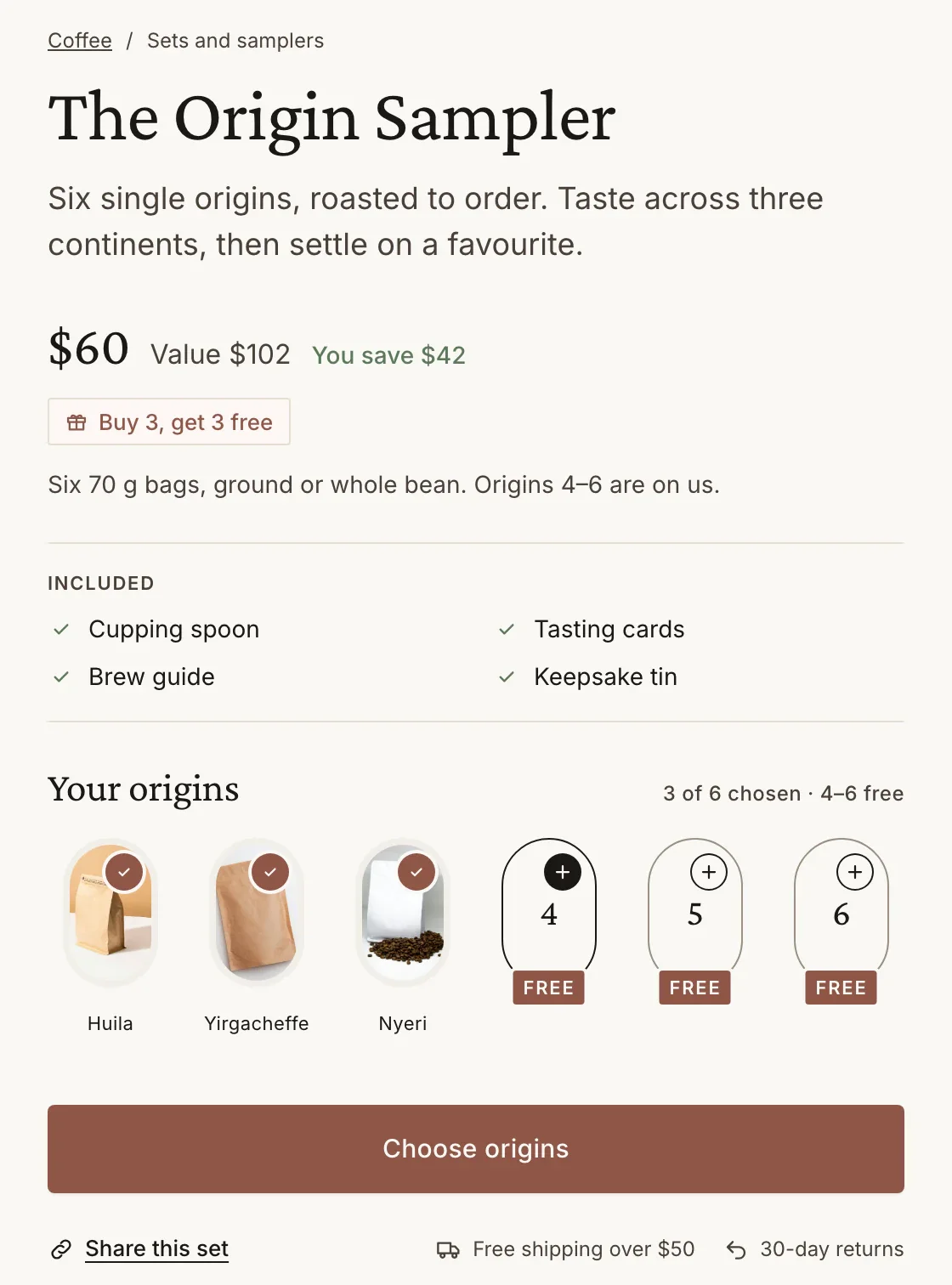
Your chosen items behind a single add button. The shopper sees the value, the set price and what they save.
- add button
- 1
- ways to price it
- 3
- lines of theme code
- 0
One button. Nothing to choose.
A fixed set is the edit you would recommend, sold as one decision.
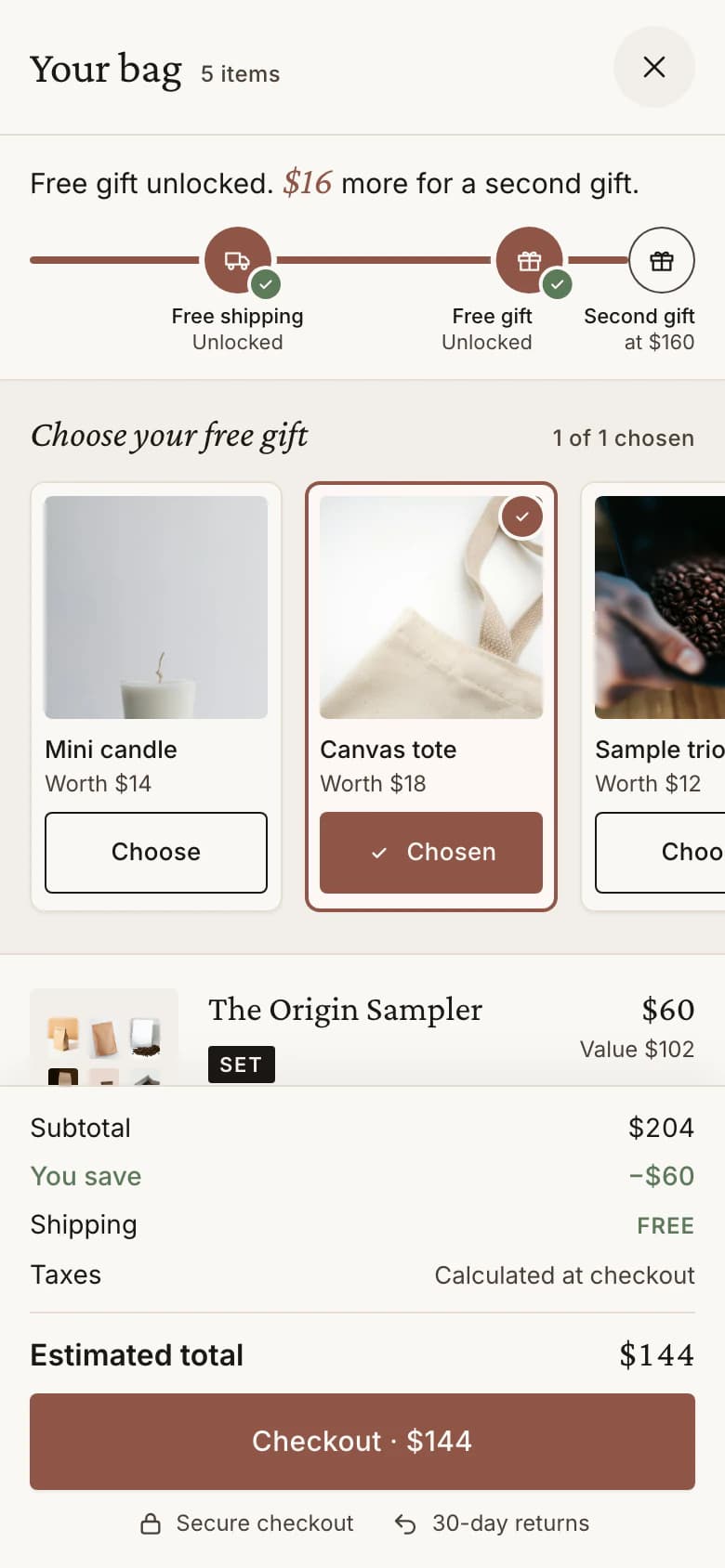
See it, add it, done.
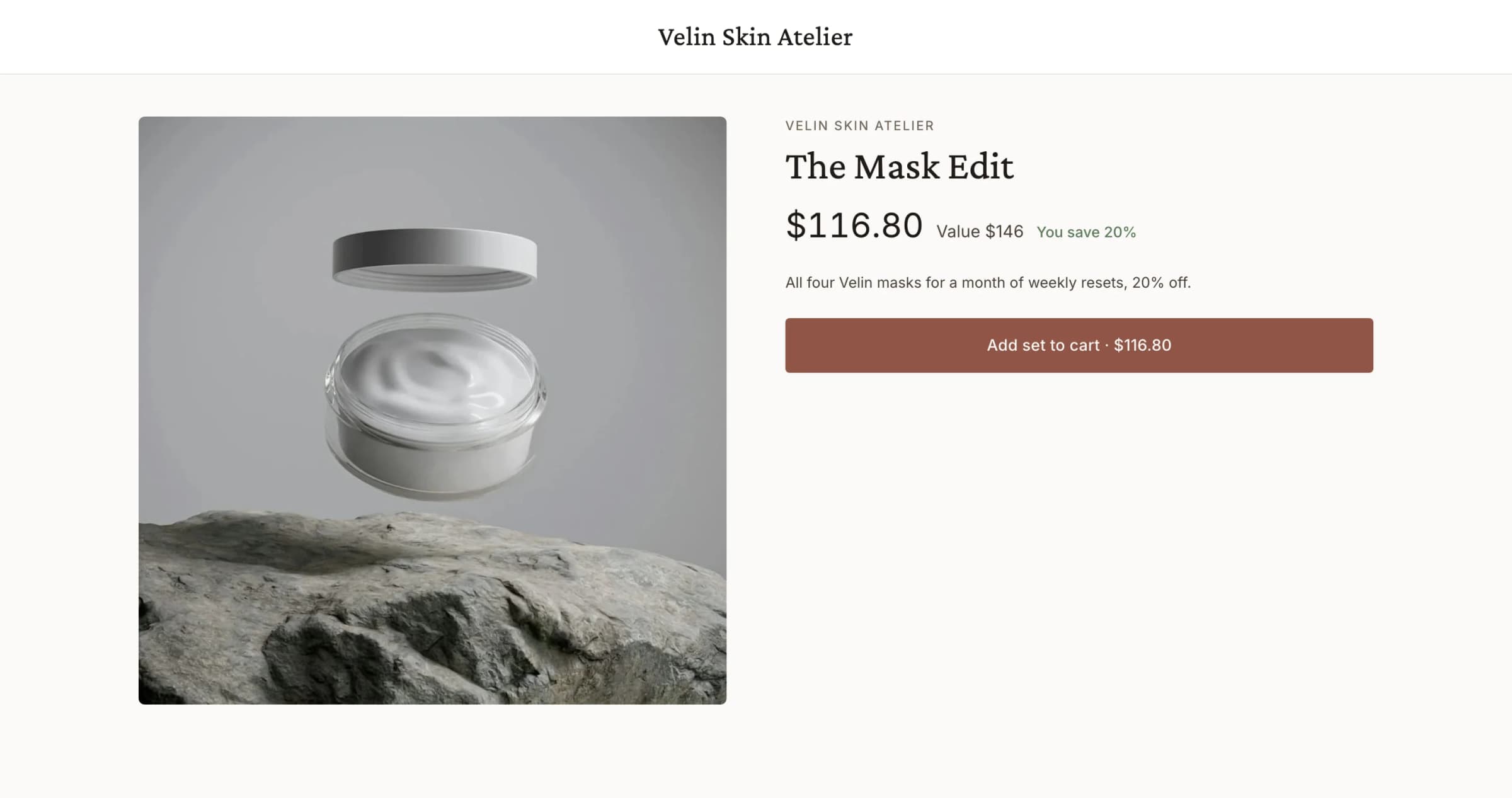
A ready-made set from Velin, a skincare brand on the Luxe demo store.
See the set. The price and the saving above one button.
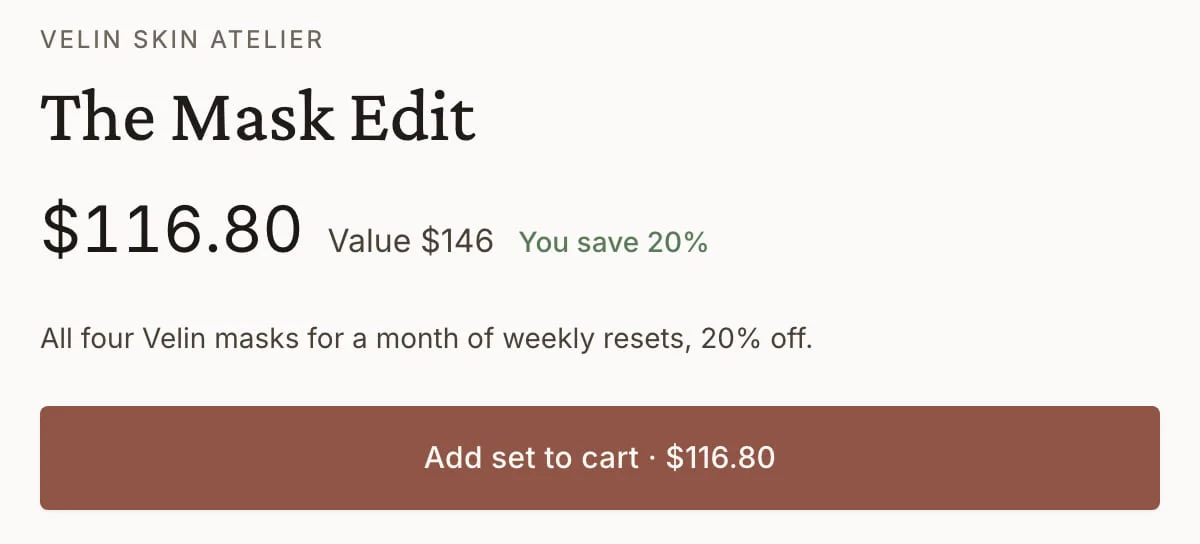
- The Mask Edit$116.80Value $146 · You save 20%All four masks, 20% off
See the saving. Four masks for a month of weekly resets.
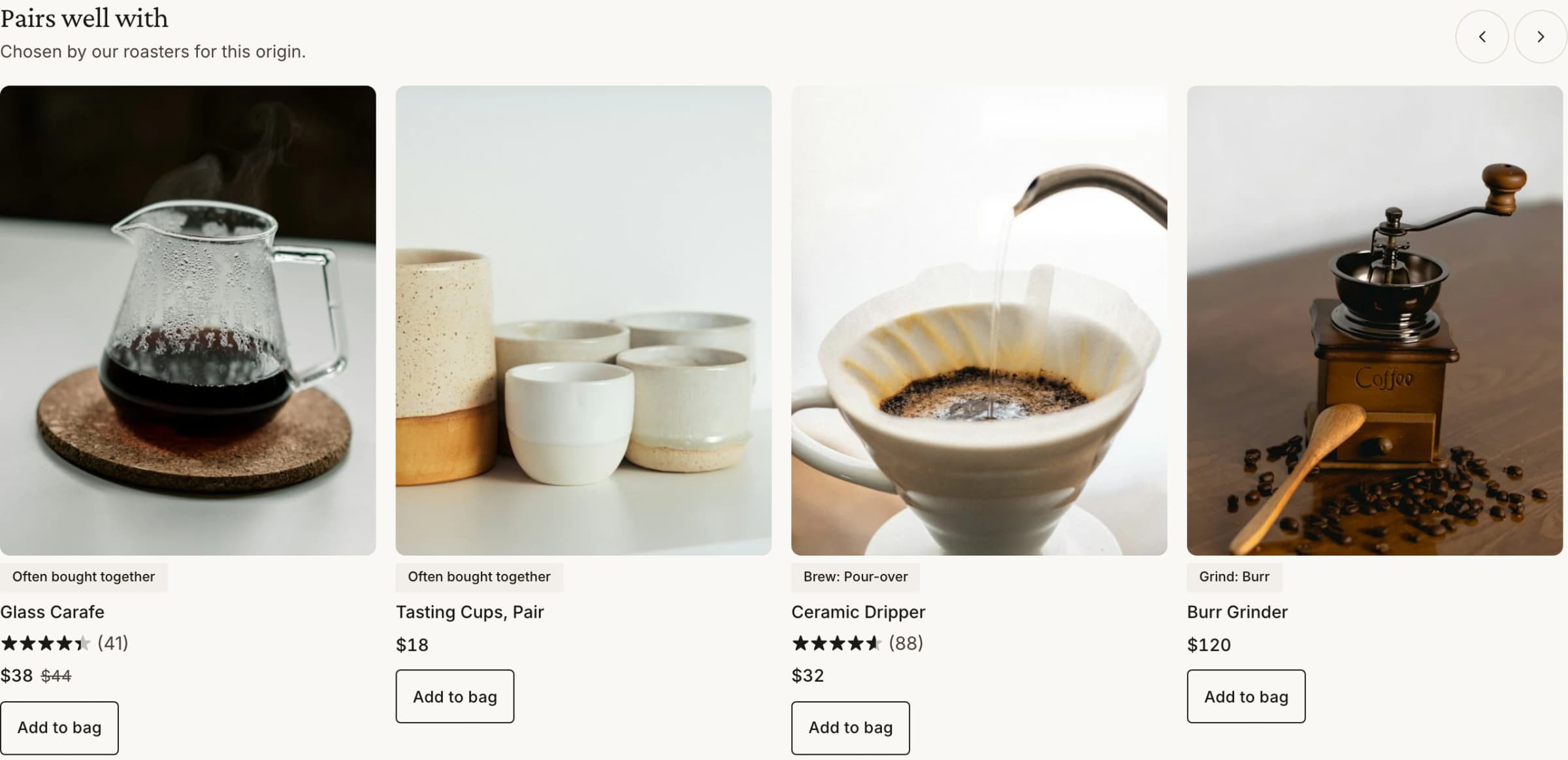
One line in the bag. Priced at checkout as it was on the page.

Three decisions. Then live.
- The itemsEach a variant and a quantity you choose; a box or a card can come free.
- The priceA set price, a percentage off or an amount off the set.
- The pageAdd to theme places the Bundle set builder block on the set's product page.
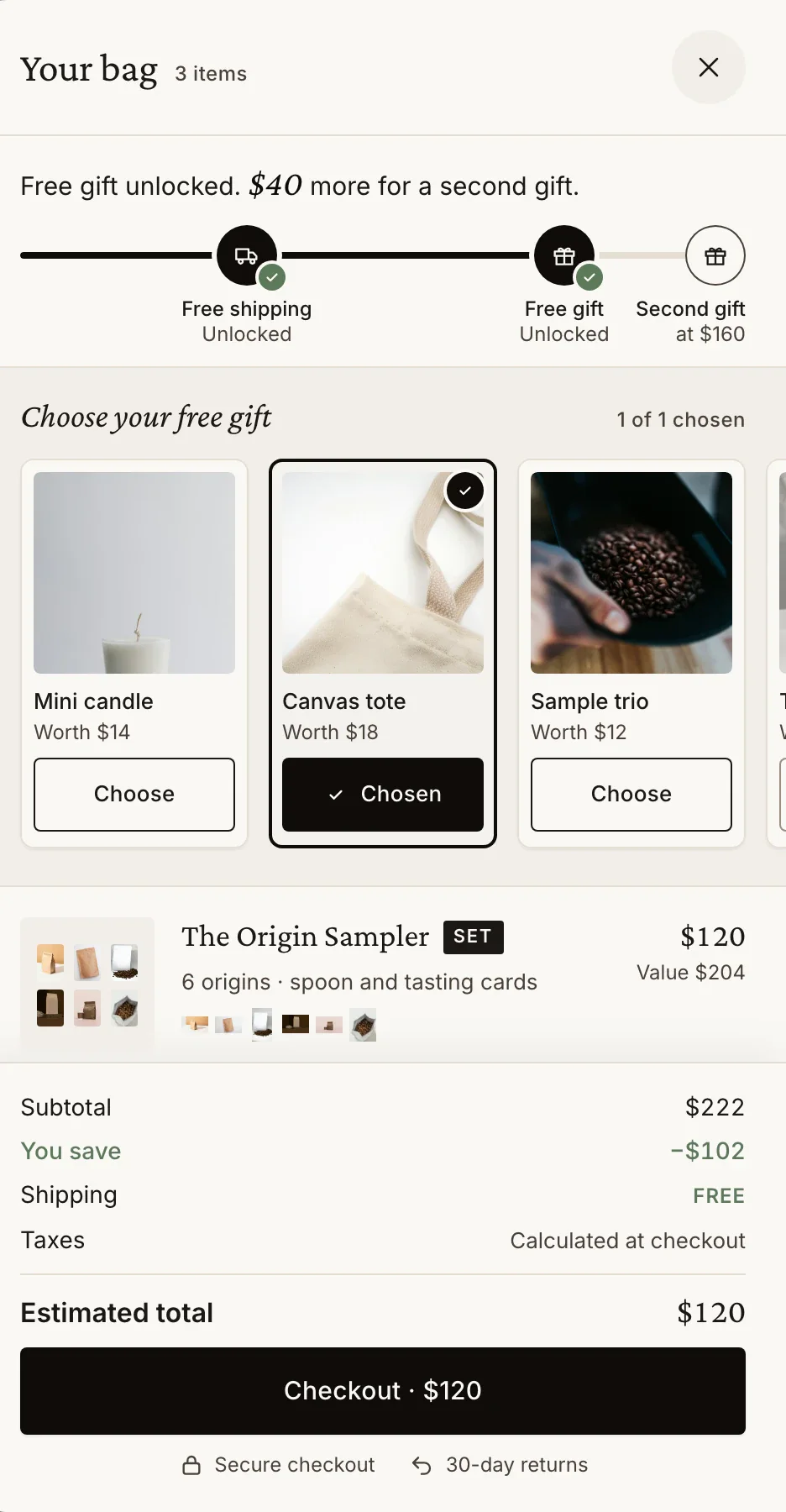
One set in the bag. Then the next thing.
Questions, briefly.
Can the shopper swap an item?
No. A fixed set holds the items you chose. To let shoppers choose, use a Build-your-own set.
Does the set price follow my price changes?
A percentage or an amount off is worked out from the items' prices, so it follows them. A set price stays as you set it.
What if JavaScript is blocked?
The set's contents still show, and a plain form adds the set at its price.
Do I need to edit my theme's code?
No. Luxe adds app blocks and one app embed in the theme editor, never edits your theme's code, and removing Luxe leaves your theme as it was.