Your collection page, now the builder.
Add to set joins the products you already list. A tray follows the shopper with the set and its price, and a tier progress bar shows the next saving.
- new pages to build
- 0
- places for the tier bar
- 4
- price, tray to checkout
- 1
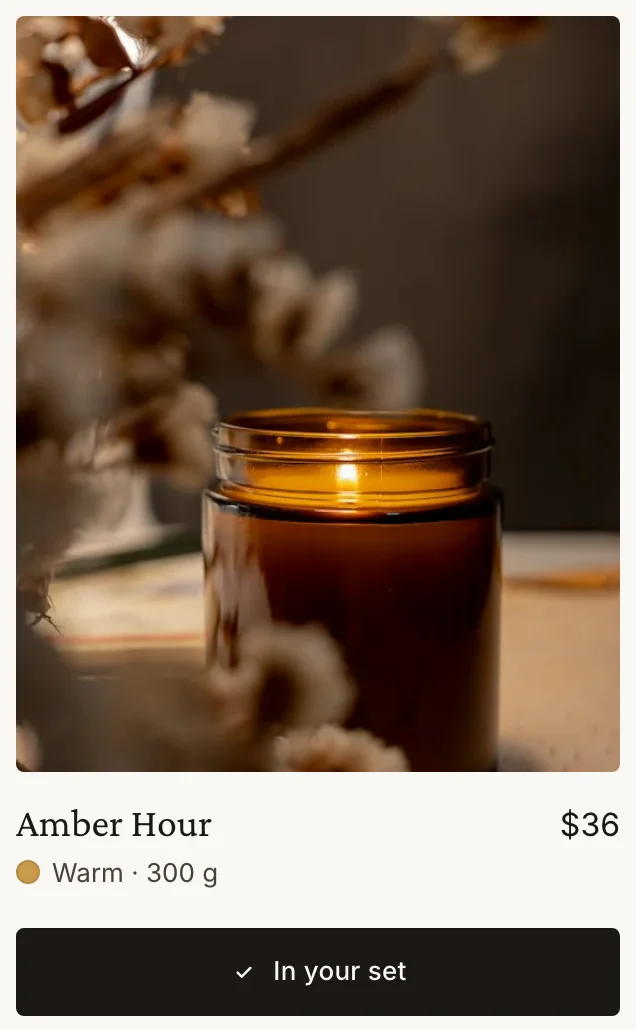
Add to set. Watch it fill.
Your collection page stays your collection page. Luxe adds the button, the tray and the tiers.
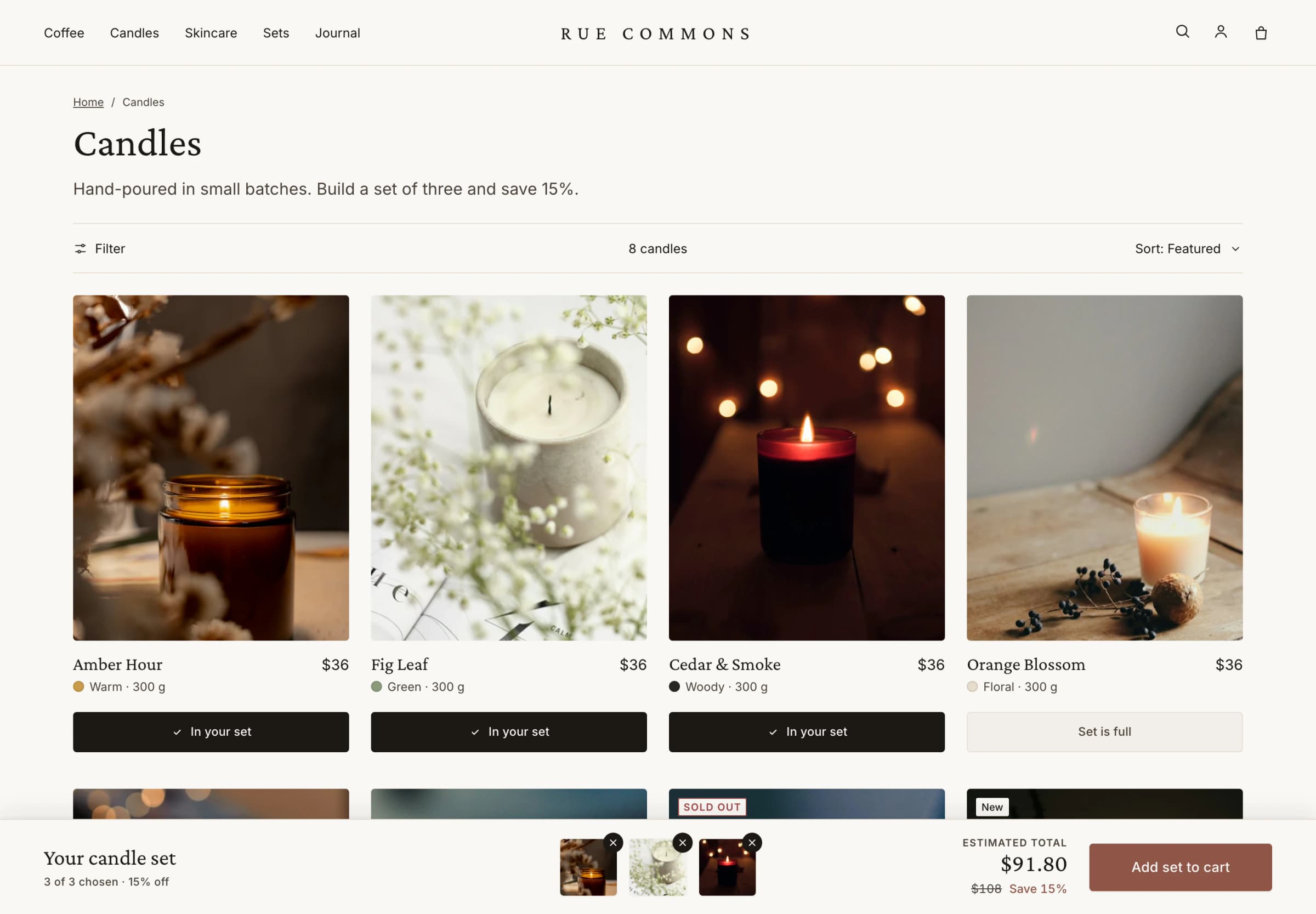
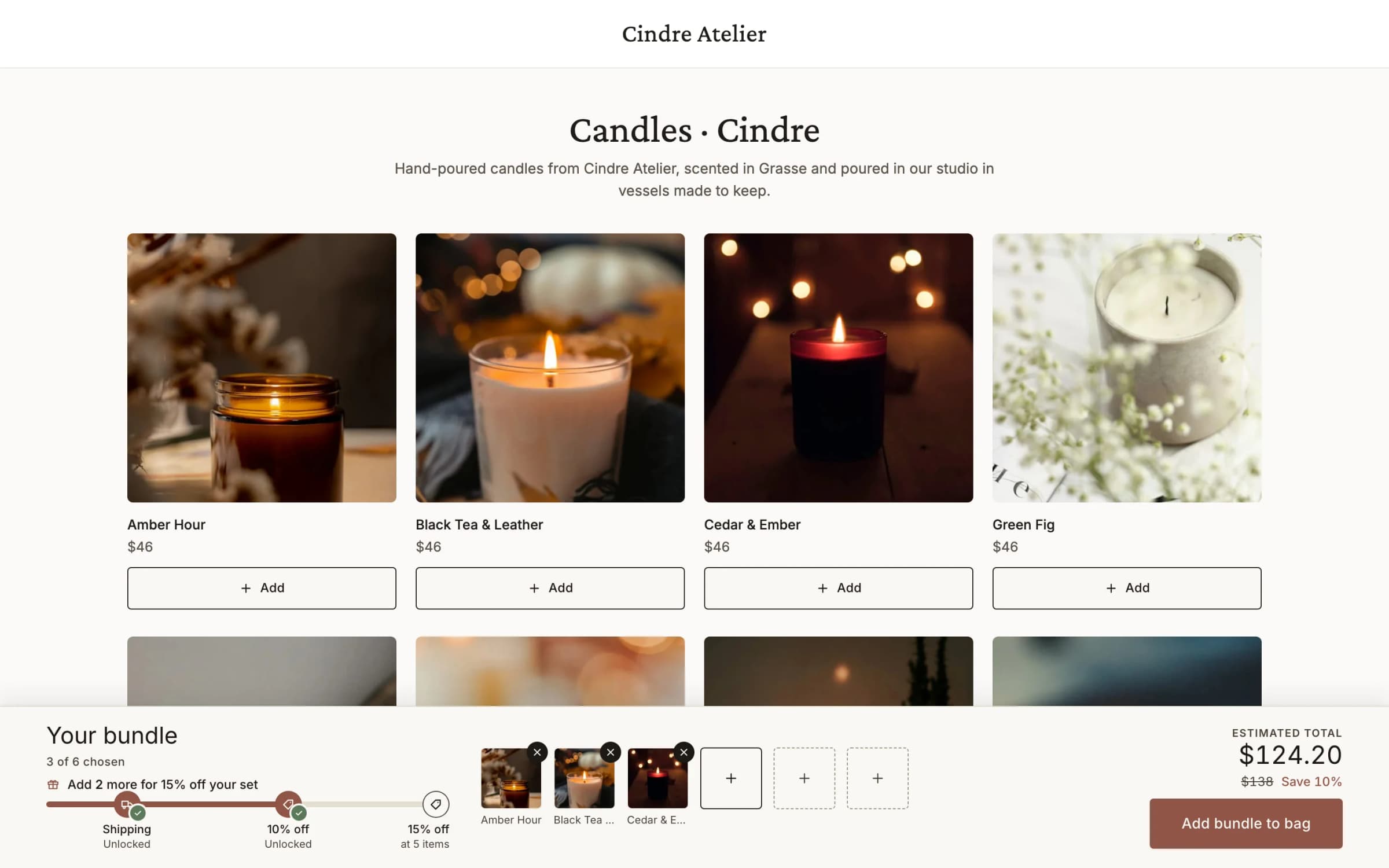
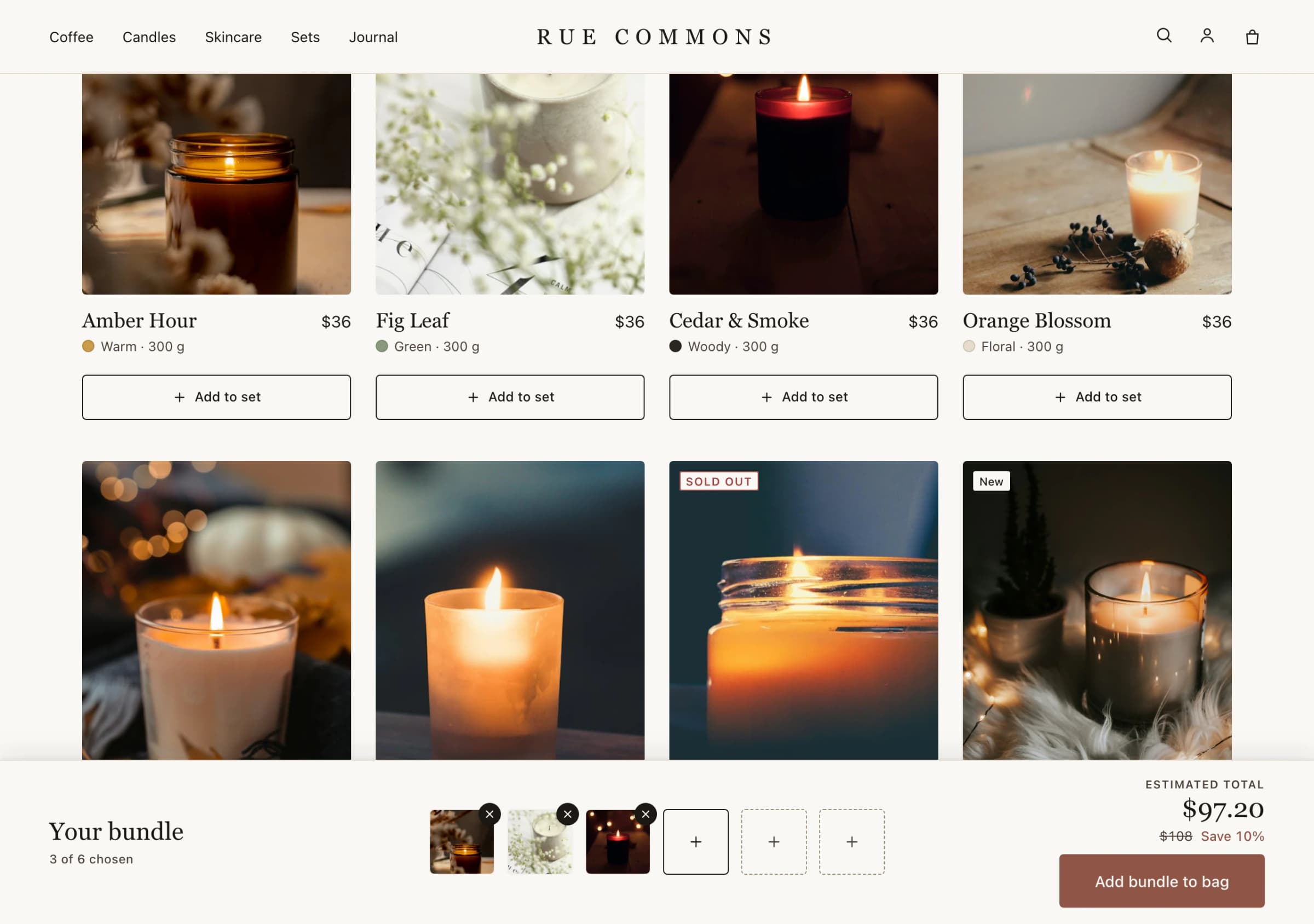
See the tiers, fill the set.
Three moments on a candle collection page, from the Luxe test storefront.
- Example tiers
Add 2 more items for 15% off
- Free shippingUnlocked
- 10% offUnlocked
- 15% offat 5 items
See the next tier. The bar names what one more item unlocks, and each tier carries its own reward.
- Your candle set$91.80Was $108 · Save 15%3 of 3 chosen
See the saving. The picks' own prices struck through beside the set's.
Add from the card. On the page they were already browsing.

Three decisions. Then live.
- The collectionThe page it runs on, and how few and how many picks make a set.
- The priceA set price, a percentage off, or Rewards only, with tiers that count the set's items.
- The tier barIn the tray, stacked above it, or at the top of the page, sticky if you like.
More in the bag. More to reward.
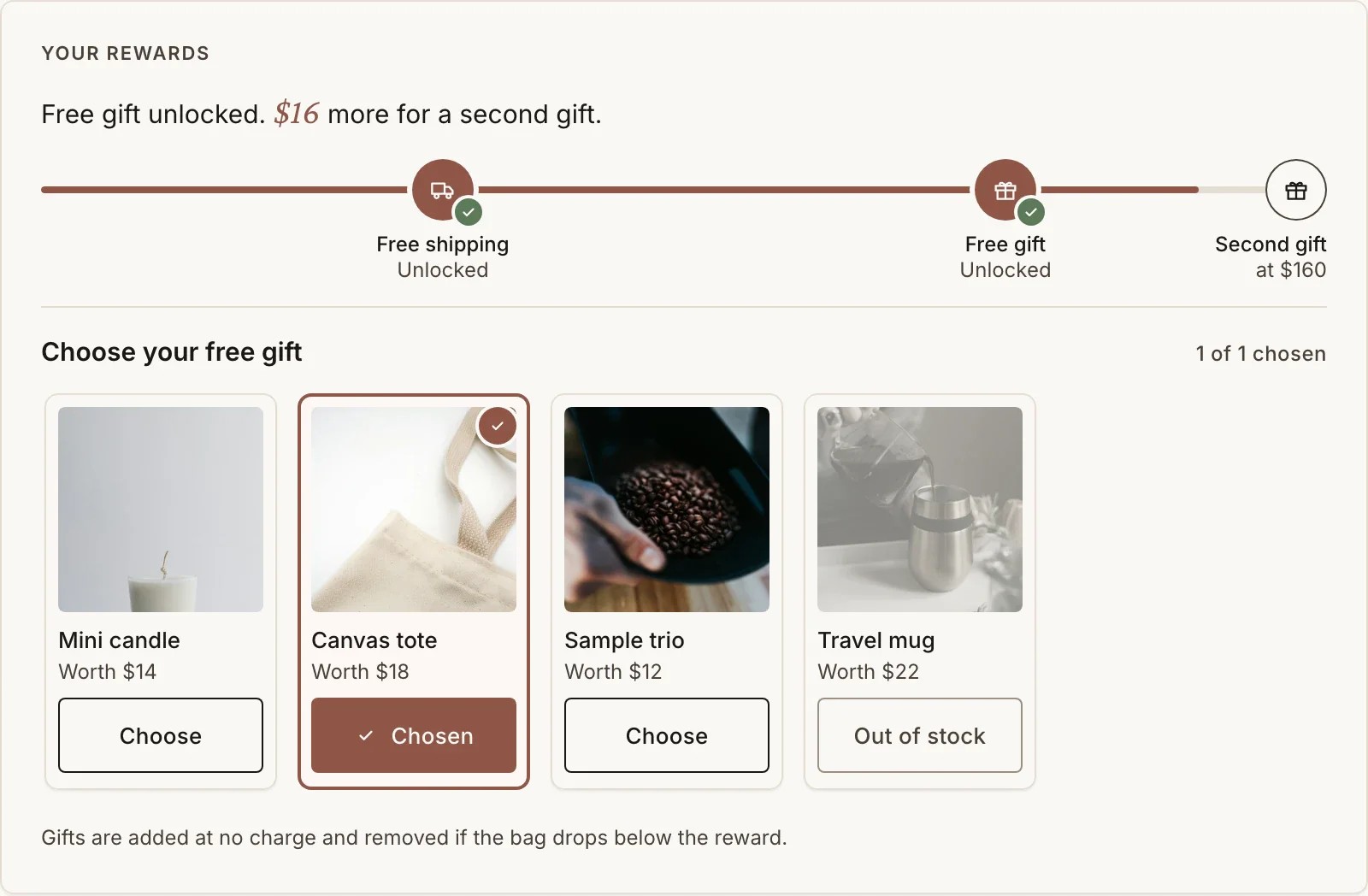
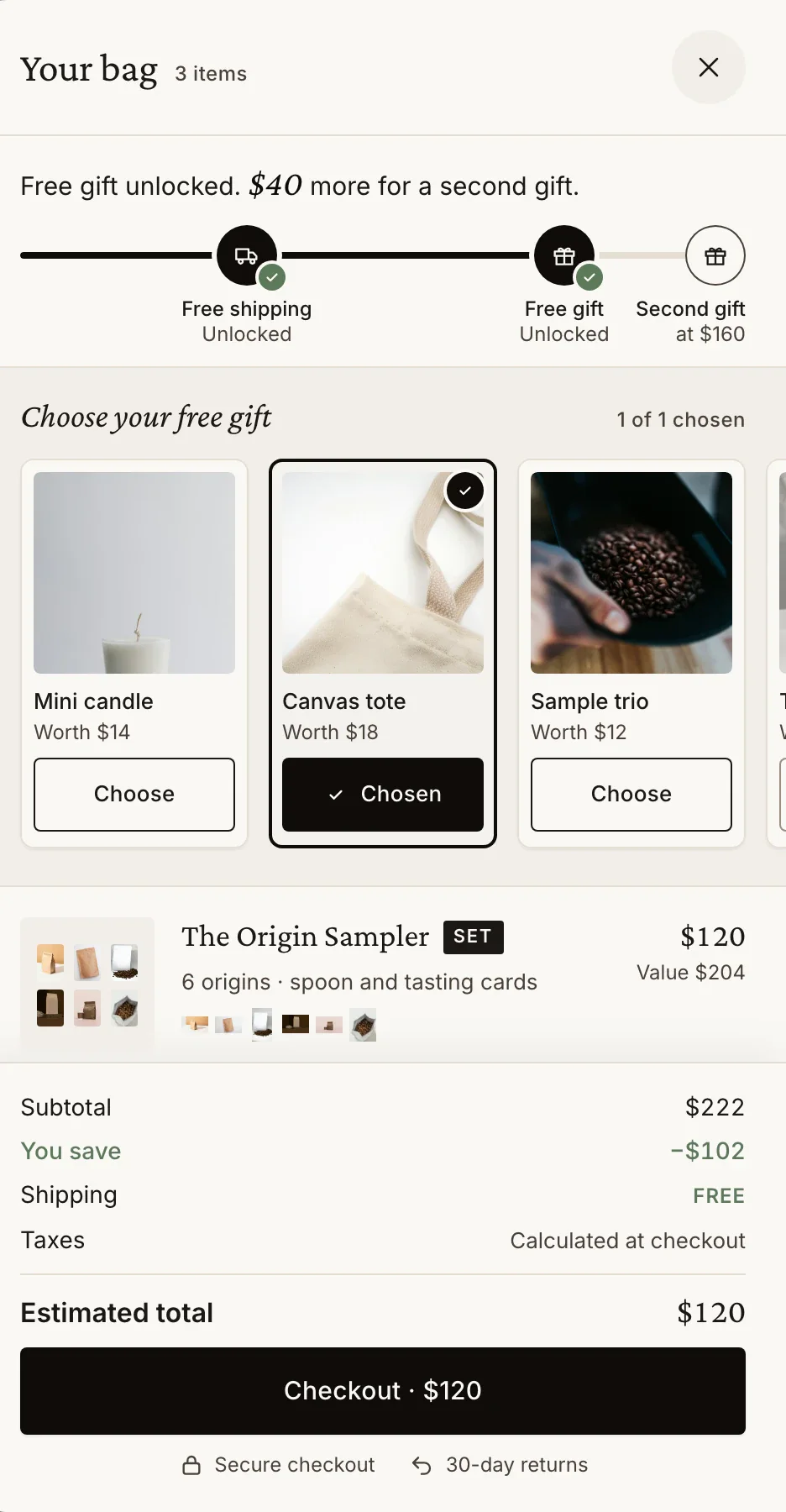
Questions, briefly.
Do I need a new page for the set?
No. Add to set appears on the products of your real collection page, and the tray docks at the bottom of it.
Can each tier give a different reward?
Yes. With Rewards only pricing the set's own ladder counts its items, for example free shipping at one, 10% off at three and 15% off at five. Every number is yours.
Can shoppers change the set after adding it?
Yes. Edit set in the tray loads the set back for editing, and Start another set begins a new one.
What if JavaScript is blocked?
Product cards keep your theme's own add to cart at full price; the tray and its saving need JavaScript.